
Softbase Finance All roads lead to Finance.
Finance posts by itself.
Incoming invoices, issued invoices, bank statements, the cash desk and payments all flow into one general ledger. Whatever the program can do by itself, it does by itself: it reads the invoice, assigns the accounts, closes the paid item, calculates VAT and prepares the return. The accountant confirms and supervises.
- Bank statements from all European banks arrive by themselves and are posted automatically
- General ledger, subledgers, bank and payments, VAT and closing in one program
- Incoming invoices without typing: e-mail, e-invoice or phone, OCR and invoice approval
- Multiple companies in one installation, each with its own data and permissions
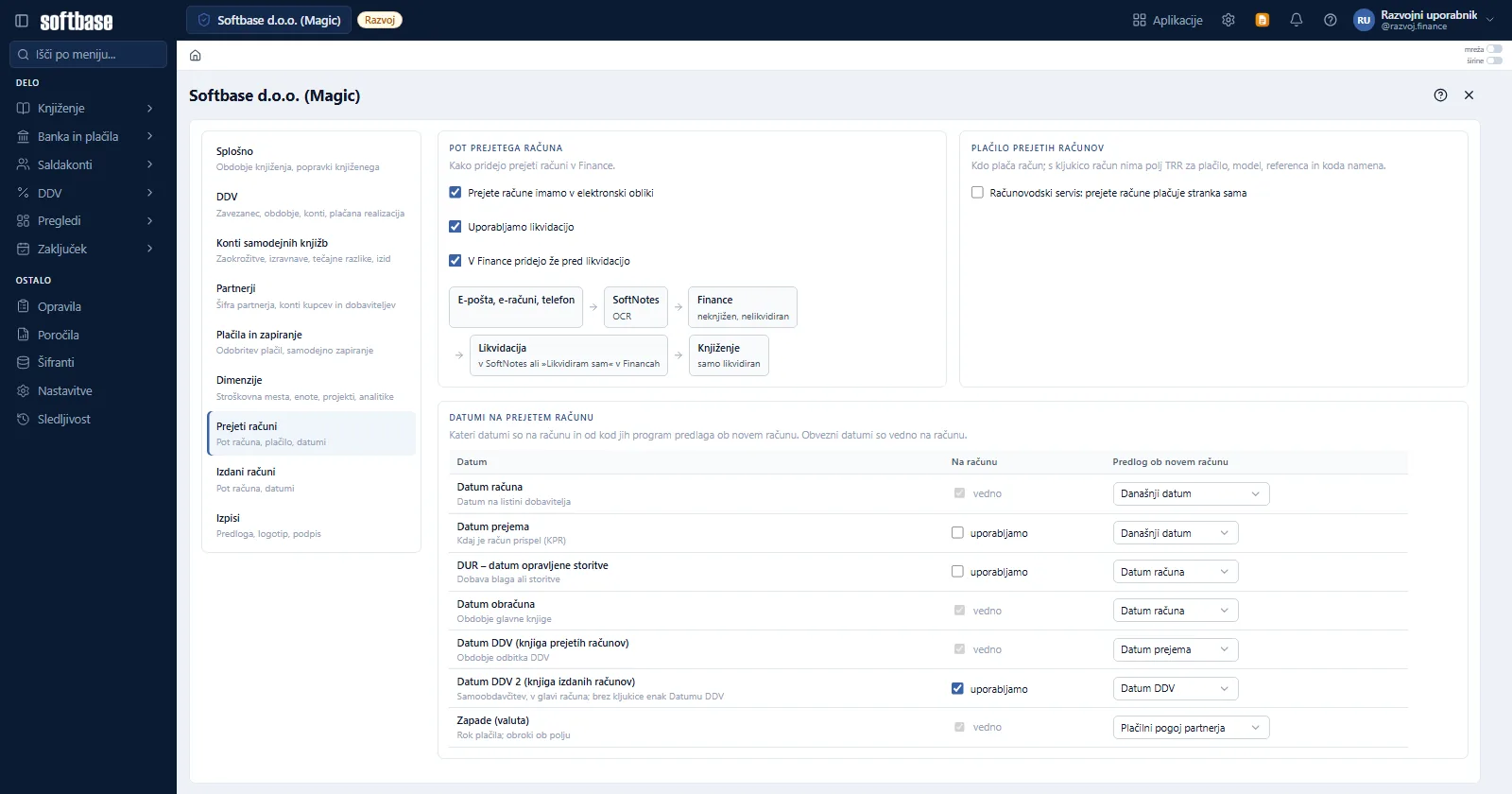
Five areas, one ledger.
Every document is posted once and appears immediately on the account card, in the subledgers, in the VAT books and in the financial statements.
General ledger
Journal entries, account card, trial balance, posting journal.
Subledgers
Open items, set-offs, reminders, interest, debt collection.
Bank and payments
Bank statements, item matching, payment batches, payment approval.
VAT
Invoice books, VAT return, reverse charge, export for FURS (Slovenian tax authority).
Closing
Month-end and year-end closing, accruals and deferrals, financial statements.
Everything that happens with money in the company comes here.
Finance is not an island that data has to be retyped into. It is the centre of Softbase ERP: programs and banks send it documents, and Finance sends back balances, open items and calculations.
No more fetching statements. They arrive by themselves – from all European banks.
The program fetches the statement itself. Four times a day, without any user involvement, it refreshes the balance on all the company’s accounts; at the end of the day it compiles the statement and posts it. Balances, payments and closed items are in Finance without anyone having to deal with statements.
All European banks
All the company’s accounts in one place, whatever the bank.
Four times a day
The balance is always up to date, without logging in to online banking.
Statement at the end of the day
The program compiles it itself from the day’s transactions.
Posting on its own
Incoming and outgoing payments are matched to invoices and posted.
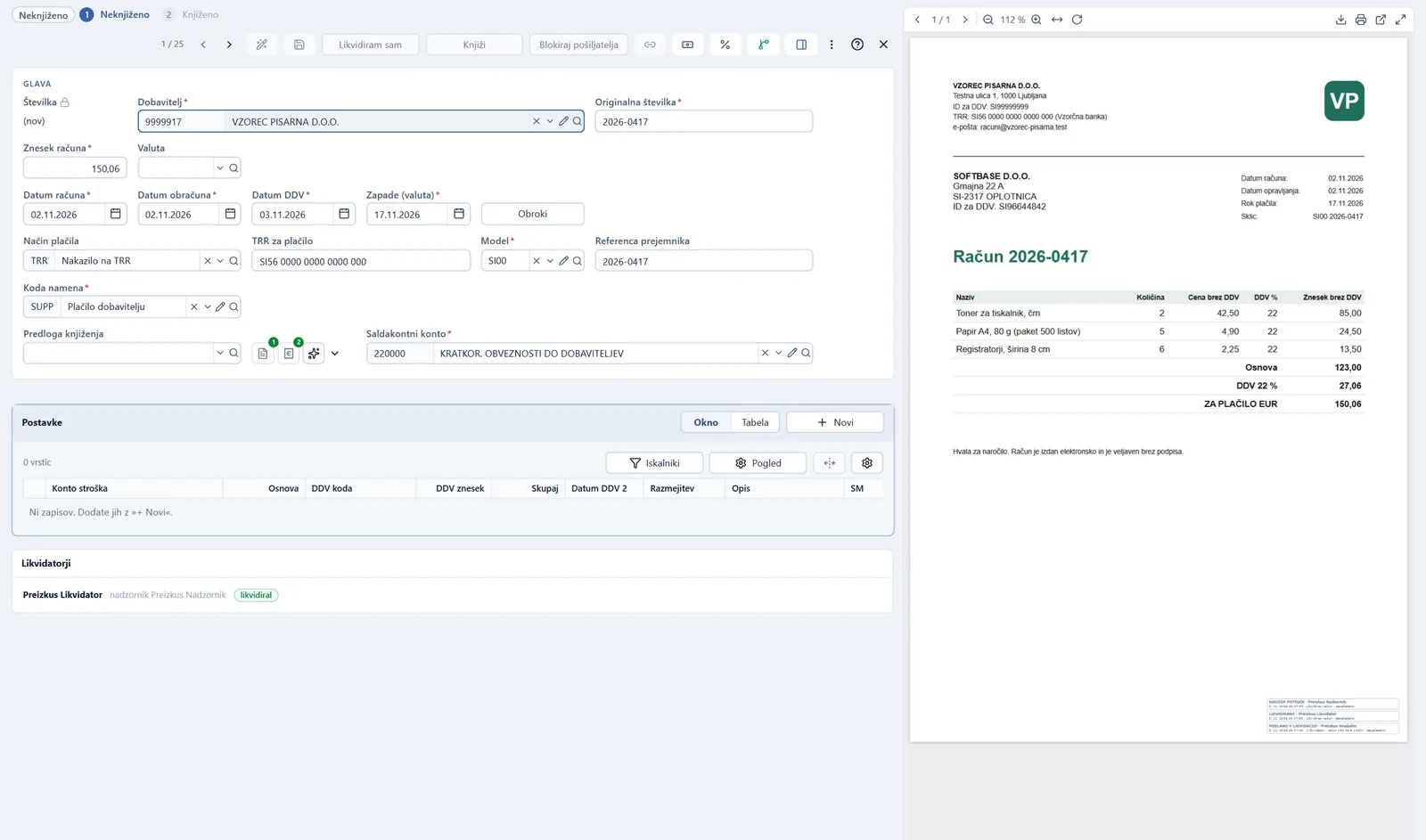
The invoice arrives by e-mail. It goes to Finance read, approved and with accounts assigned.
Nobody retypes an incoming invoice. SoftNotes reads it, approvers approve it with the original in front of them, and Finance assigns the accounts using the supplier’s template. If the supplier does not exist yet, the program adds it from the register by tax number or VAT ID.
Arrives by itself
E-mail, e-invoice, phone or scanner – all to the same place.
Read
OCR reads the supplier, amounts, VAT, bank account (TRR) and payment reference.
Approved
Approvers approve on a computer or phone.
Accounts assigned
Account, VAT code and cost centre from the posting template.
The statement reconciles itself. Payments go out in a batch.
The statement arrives by itself, and the program matches incoming and outgoing payments to open invoices. Recognition rules take care of everything that recurs – bank charges, interest, salaries, taxes. You prepare payments in a batch (pain.001) for online banking; above a limit you set, a payment waits for approval.
Automatic matching
A payment closes the invoice by reference, partner and amount – fully automatically if you wish.
Recognition rules
By text, partner or both; set them up once and the program does the posting from then on.
Payment batches
Invoices for payment in one batch, with the correct IBAN, reference model and reference number.
Payment approval
Payments above the limit are approved by an authorised person.
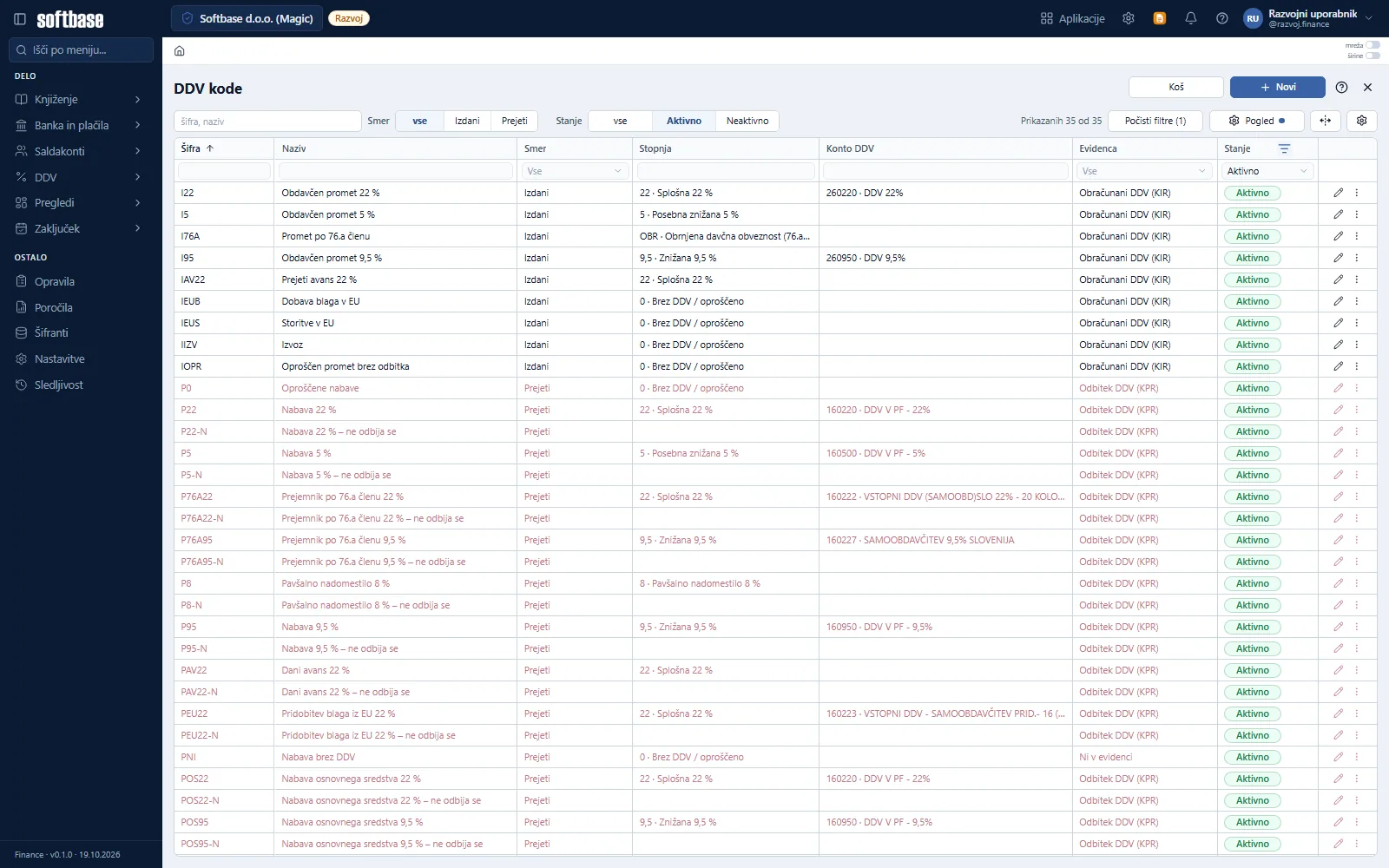
VAT builds up as you go. The return is ready when the deadline comes.
Every posting with a VAT code goes straight into the issued or incoming invoice book, into the correct period and the correct column. Reverse charge, EU acquisitions, flat-rate farmers and VAT not yet due are built in – no manual recalculations and no auxiliary spreadsheets.
- Issued invoice book and incoming invoice book
- VAT return for the selected period
- Reverse charge under Article 76.a and EU acquisitions
- VAT not yet due and flat-rate compensation
- Manual entries in the VAT books with a clear audit trail
- Export of VAT records for FURS
Every partner on one card. From reminder to set-off.
The partner card shows all open items, payments and matchings. From here you run open item reconciliation, set-offs, reminders and late payment interest calculation, while multilateral set-off goes to AJPES ePobot.
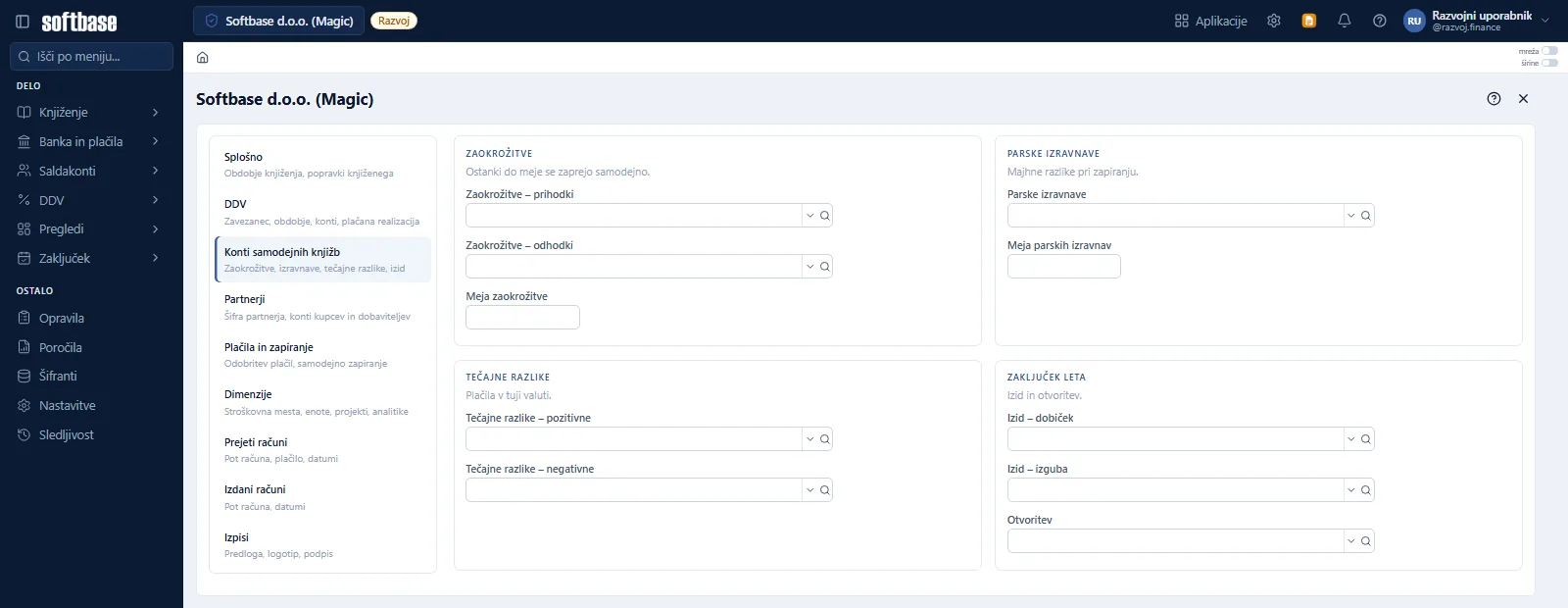
Month-end closing without overtime.
Accruals and deferrals, advance settlements, loan and lease instalments and recurring journal entries are posted according to rules. Rounding, small-difference write-offs, exchange differences and the result for the year go to accounts you set up once.
Financial statements
Balance sheet and income statement from postings.
Financial accounts statistics
SFR report for AJPES.
Groups of companies
Intercompany reconciliation and consolidation.
My overviews
Pivot tables by account, partner, cost centre and month.
Every posting leaves a trail. Everyone sees what they are allowed to.
The company itself sets the posting period and the rules for correcting posted entries. The program records who entered, changed or sent what. An AI assistant is on every screen and knows where you are.
Traceability
Who did what, and what was sent.
Closed period
Posting only in the permitted period; corrections to posted entries according to company rules.
Multiple companies
One installation, multiple companies, each company’s data kept separate.
Assistant
AI help on every Finance screen.
Frequently asked questions.
What does Finance cover?
How do incoming invoices get into Finance?
Are bank statements posted automatically?
What about VAT?
Does Finance support multiple companies?
Finance is the heart of Softbase software.
Business enquiries: